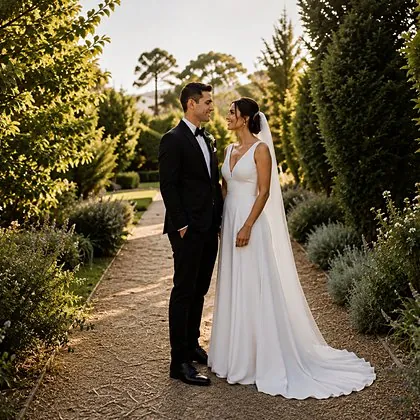
Enter the gallery code
After choosing the product, that is the only thing needed to bring in the couple's photos.


For wedding and event photographers
The photographer's online store. Artificial intelligence enhances and organizes the photos, the couple and their guests choose and pay on their own, and the album starts at the photo lab with the images they selected themselves.
No cost and no commitment. Accounts are activated in signup order.
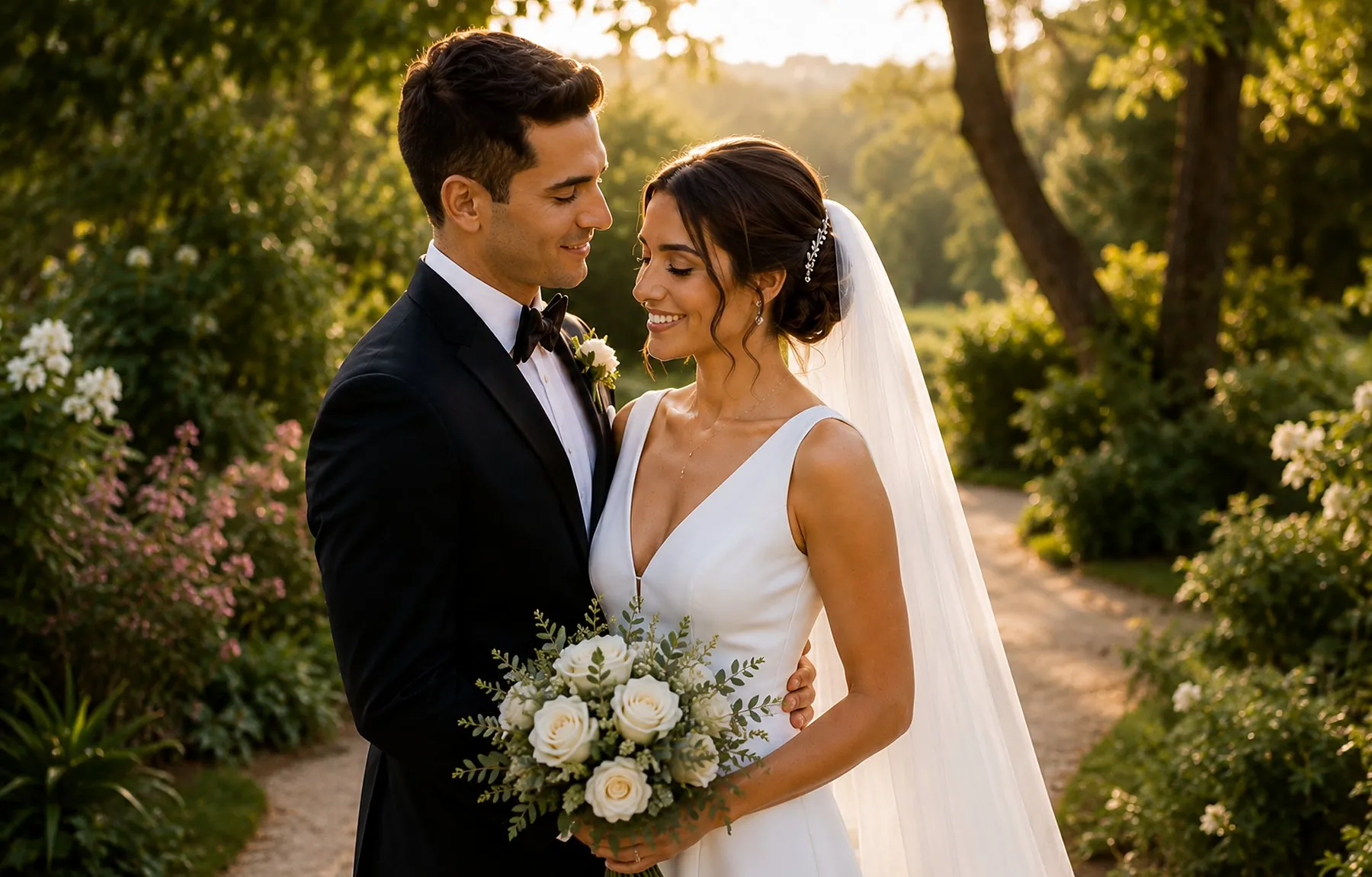 The couple
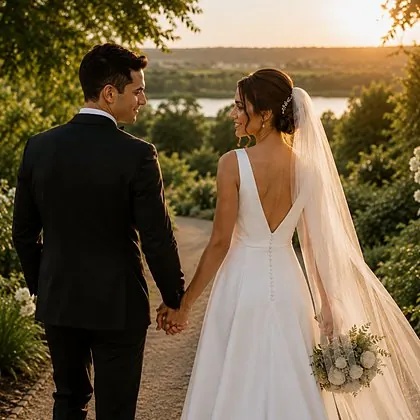 Couple Session
photos in one shoot,
enhanced at once
folders created
without lifting a finger
active selections
in the same gallery
files passed
back and forth
Act one · before publishing
Six steps from the memory card to the publish button. Artificial intelligence handles two of them on its own while the photographer gets on with life.
During the upload, turn on the watermark and automatic enhancement. Images arrive already protected and corrected — no second step to remember later.
Scene classification analyzes the whole wedding and delivers ready-made folders — Getting Ready, Send-off, Details, Decor, Ceremony, and Reception. Then mark one face, and the smart folder builder finds that person throughout the shoot: at this wedding, it found 77 photos of the bride and 97 of the groom.
Six presets — Auto, Vivid, Soft, Black & White, Warm, and Cool — plus advanced presets. Then compare side by side, photo by photo, and accept or reject each result. No image leaves the photographer’s hands without their approval.
Gallery analyzes the cover photo and suggests a palette based on the colors already in the image. Backgrounds, text, and buttons change together. In the same panel, choose the cover style, typography, and 3D albums.
Create custom price lists with different rules for the couple and guests. Offer digital downloads, prints, and pickup points at the lab’s physical stores. Before publishing, preview the store exactly as clients will see it.
One for the album, another for the print package, and as many as needed — 50-print package, 6×8 in, Photos for the Album — each with a minimum, maximum, deadline, and automatic expiration notice. Clients can comment on every photo.
Act two · the publish button
From this point on, the photographer can step away. There is a guest code for everyone at the event, an individual code for the couple, plus a link and QR code to print and leave on the tables.
Act three · on the other side
They enter their code and find the selections prepared by the photographer. Each selection shows its status up front, and the gallery opens with the photographer's name and colors.
The couple's gallery
Photos for the Album: 141 of 150, 50 minimum, due August 29, complete. The 50-print package, 6×8 in remains open until they finish it. The folders created by AI become the tabs they browse.
Look at the header: it says Foto Expert Gallery. That is the photographer's brand, not ours.
While browsing the gallery, a guest opens Find my photos, takes a selfie or uploads a picture, and sees only the images they appear in. From there, they go straight to the cart on desktop or mobile. Nobody has to ask the photographer for anything.
Take it on the spot or use an existing picture. Facial recognition does the rest in seconds without leaving the gallery.
Prints, calculated shipping, and a nudge toward free shipping — in the app or browser. The purchase happens the moment guests see themselves.
Between one act and the next
Once the selection is complete, one button returns the original filenames, ready to paste into Lightroom Classic — Library Filter → Text → Filename → Contains. The selected photos appear instantly, and the photographer can move straight to detailed editing.
No spreadsheet, no list of numbers in a WhatsApp voice message, and no searching one file at a time.
Act five · where Gallery meets SUNPICS
With every selection complete, the photographer goes to the lab website and chooses the product — size, cover, paper, and finishes. Inside the project, they enter the gallery code. The photos selected by the couple appear automatically. No exporting, no zip folder, and no uploading twice.
After choosing the product, that is the only thing needed to bring in the couple's photos.
Photos for the Album has 141 images, and the 50-print package has 50 — exactly as the couple completed them.
High-resolution and clearly marked. Nobody has to check a list.
Automatic album builder
All 141 photos come in, and the builder lays them out across the spreads. Then adjust anything by hand — backgrounds, clip art, masks, and text — and the project is ready for production at the same lab where it began.
Act six · before printing
The project creates a three-dimensional preview set in a real environment with sound. The photographer shares it with the couple, who rotate it, zoom in, and turn the pages — then share it with their family. The album passes from person to person before it even exists, and everyone who sees it discovers the photographer’s work.
The album created at the lab, viewed in 3D by the couple — with the spreads they selected in the gallery.

Your store, not ours
Your logo, your watermark at the opacity you choose, your social profiles, and your domain. From the first screen to the 3D album, the brand the couple and guests remember is the photographer's.
The photographer knows they use SUNPICS Gallery in the workspace — it is their tool. To anyone receiving the gallery, the platform behind it stays invisible.
The gallery wears your brand, not ours.
With a live preview and adjustable opacity.
WhatsApp, Instagram, Pinterest, TikTok, YouTube, and Facebook.
Use your subdomain or a domain you already own.
And more
Play the gallery as a sequence of photos for the family to watch together.
The selection closes on the chosen date, and the client receives a reminder first.
Set an access level for each gallery and change it at any time.
The store speaks each visitor's language and switches between light and dark themes.
The lab adds pickup locations, and the client chooses one on the map.
Classification and enhancement are charged per photo, with the cost shown before confirmation.
Photographer and photo lab
Today, the relationship between a photographer and a photo lab comes down to orders: send a file, receive an album. Gallery puts both on the same side — serving the same end customer, in the same sale, on the same platform. When one grows, the other grows too.
Or email us directly at info@arealmedia.com.
There is no longer one party selling to the other. The end customer pays once, and each partner receives their share at the same time — no invoice between them and no end-of-month settlement.
Photos guests might never have seen can now be sold — and printed.
It comes from the project the photographer built on the lab's website, with the photos selected by the couple. Less rework for everyone.
The lab creates the plans it offers; the photographer chooses one and knows exactly what they pay and why.
The photographer still owns the brand, prices, and client relationships. The lab becomes a partner instead of just a vendor — not the owner of the store.


Early registration is open
Accounts are activated in signup order. Join now to set up your store with guidance and get notified on opening day — with no cost and no commitment.
Save my spotiwant.sunpics.gallery